
 Hosted Online by Substack
ACCESS OPTIONS
FREE ACCESS
CARs Tutorials, Selected Resources, and Updates
Learn the basics. Stay connected.
Build your foundation with CARs tutorials and selected resources, explore sample classes and articles, and follow along with Excelsior news, schedule changes, and what’s coming next.
FREE — Available now
GET FREE ACCESS →FULL ACCESS
Classes, Tutorials, Research & Ongoing Projects
Learn more. Follow the work.
Everything in Free Access, plus the full Kinstretch class library, client stories, member Q&As, and an inside look at the research, experiments, and questions shaping our work.
Subscription Details Coming Soon!
FULL ACCESS — COMING FALL 2026
In the meantime,
get started with Free Access today!
Already have a Substack account?
You don't need to create a new account! Simply sign in to Substack, then visit Excelsior Extension and click Subscribe to add us to your Substack account. Use the same email address associated with your existing account.
GO TO EXCELSIOR EXTENSION →Need help with sign-up? Visit our Frequently Asked Questions below. If needed, reach out to Ellie at ellie.excelsior@gmail.com.

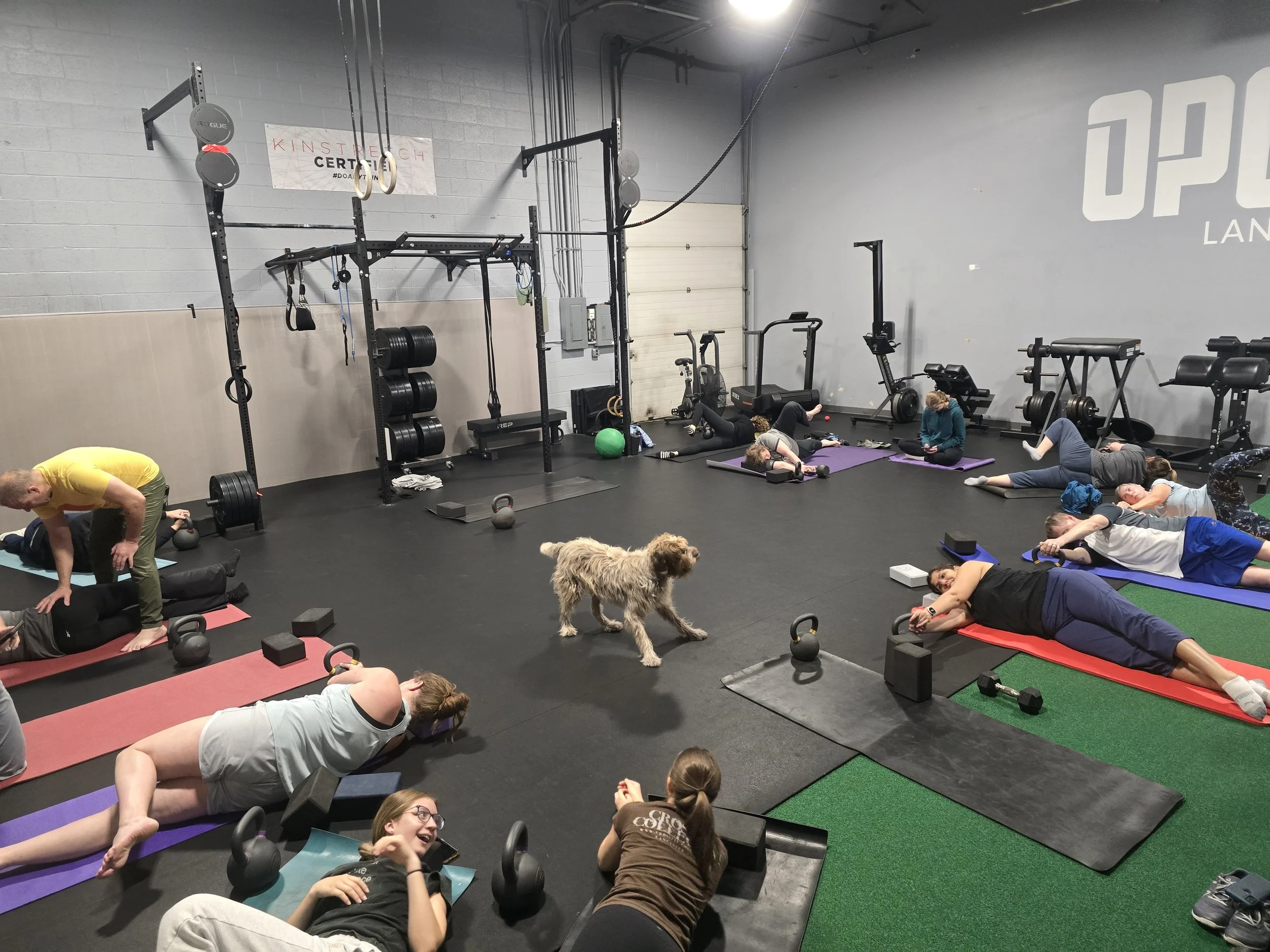

Controlled Articular Rotations (CARs) are a foundational tool we use to assess, maintain, and improve function. In the clinic, passive and active CARs help us assess and address limitations. In coaching and classes, they warm up the joints and introduce load-bearing stimulus. At home, they help you understand your body and maintain the mobility you have while working toward more. Learn CARs once, and you’ll own a tool for life.
Use Substack on your desktop or mobile browser.
Or get the Substack app.
FREQUENTLY ASKED QUESTIONS
GETTING STARTED
What is Excelsior Extension?
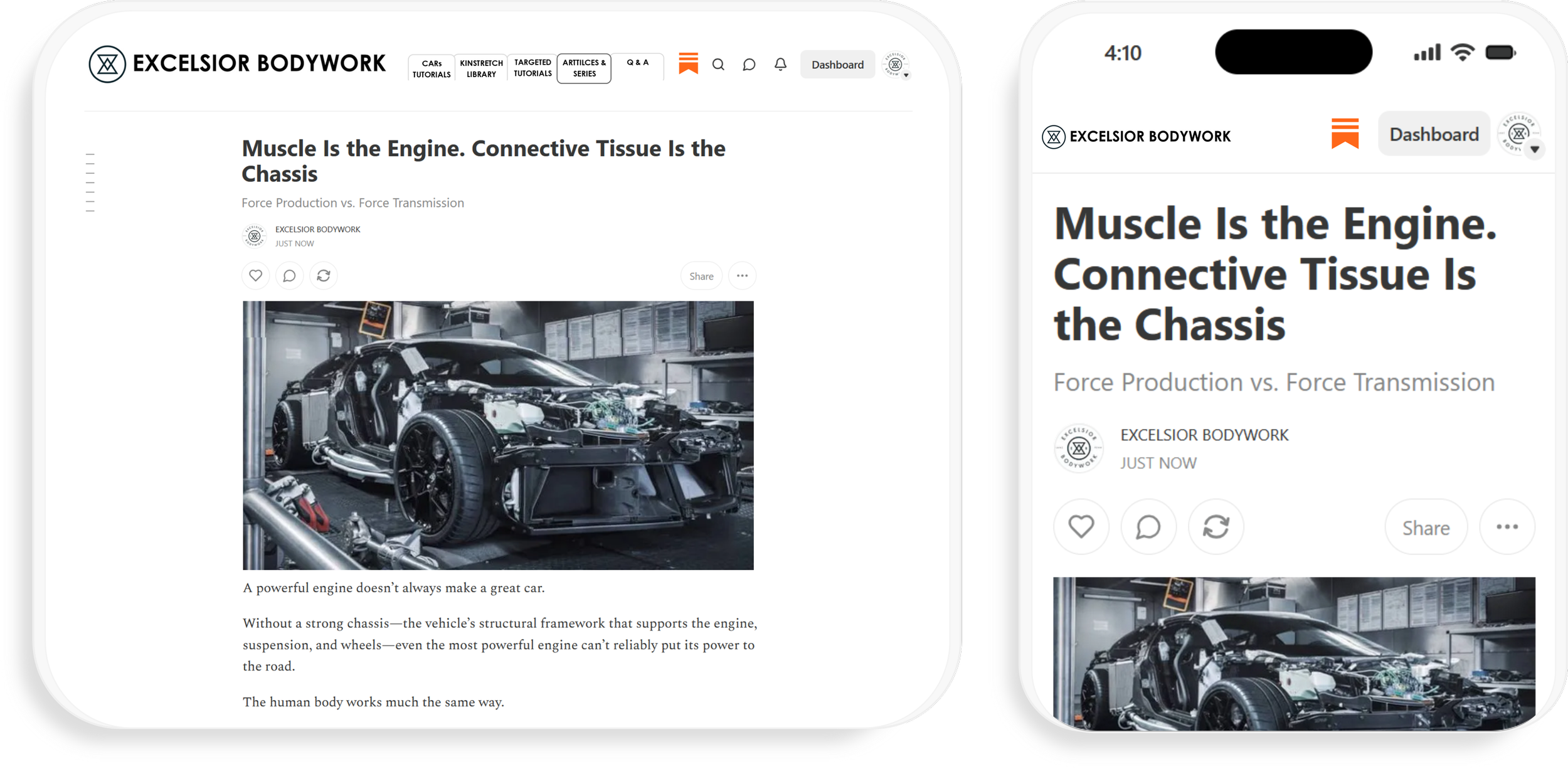
Excelsior Extension is an online resource and learning space for Excelsior Bodywork clients. It's where you'll find CARs tutorials, selected educational resources, Kinstretch class recordings, client stories, research, projects, and updates.
It's hosted on Substack, which gives us a convenient place to organize and share videos and other resources. You don't need to be familiar with Substack to use it!
What is Substack?
Substack is the online platform we use to host Excelsior Extension. You can access it through your regular internet browser on a computer, tablet, or phone, or through the optional Substack app.
Think of it as the home for our online video library and resources. You don't need to write anything, publish anything, or participate in a social network to use it.
What's included with Free Access?
Free Access gives you a starting point for exploring Excelsior Extension. It includes CARs tutorials, selected resources, sample classes and articles, and Excelsior updates, including schedule changes and announcements.
What is Full Access, and when will it be available?
Full Access will include everything in Free Access, plus the full Kinstretch class library, targeted tutorials, client stories, member Q&As, and additional research and projects.
Full Access is planned for Fall 2026 at $35 per month. It isn't available for purchase yet. You can get started with Free Access in the meantime.
SIGNING UP
How do I sign up for Free Access?
Click the GET FREE ACCESS button on this page.
Enter the email address you'd like to use for Excelsior Extension.
Follow the instructions on the screen to complete your subscription.
That's it! Your email address connects you to your access. You can then visit Excelsior Extension and start exploring the available resources.
Do I need to create a Substack account?
When you subscribe, Substack automatically creates a private account associated with your email address. You don't need to create a public profile, choose a username, or set up a password.
If Substack invites you to create a public profile, that's optional. You can use Excelsior Extension without one.
I already have a Substack account. Do I need another one?
No! You can use your existing Substack account.
Sign in to Substack using the email address associated with your account. Then visit Excelsior Extension and click Subscribe to add Excelsior Extension to your subscriptions.
Be sure to use the same email address you already use with Substack.
Do I need to pay anything to sign up?
No. Free Access is free. You won't be charged to sign up for Free Access or to create the private Substack account associated with your email address.
Full Access will be a separate paid option when it becomes available.
RETURNING AFTER GETTING LOGGED OUT
How do I get back to Excelsior Extension after signing up?
The easiest way is to bookmark this page:
https://excelsiorbodywork.substack.com/
You can also save the link on your phone or computer for easy access.
When you return, Substack may recognize you automatically. If it asks you to sign in, use the same email address you used when you subscribed.
Do I need a password every time I visit?
No. Substack allows you to sign in using a one-time verification code sent to your email.
When prompted to sign in:
- Enter the email address you used to subscribe.
- Choose the option to receive a sign-in code by email.
- Open the email from Substack and enter the code on the sign-in screen. You may also be able to use the verification link in that email.
You can choose to create a password if you prefer, but it isn't required.
Important: Always use the same email address you used to subscribe to Excelsior Extension. Using a different email address may take you into a different Substack account.
GETTING & USING THE APP
How do I get the Substack app?
The Substack app is optional and free to download.
- iPhone or iPad: Open the Apple App Store and search for "Substack."
- Android phone or tablet: Open the Google Play Store and search for "Substack."
Choose the Substack app, download it, and open it.
How do I access Excelsior Extension in the app?
- Open the Substack app.
- Sign in using the same email address you used to subscribe to Excelsior Extension.
- Check your email for the Substack verification code.
- Enter the code in the app or use the verification link in the email.
- Once signed in, find Excelsior Extension among your subscriptions.
If you don't see it right away, check that you're signed in with the correct email address.
Do I have to allow notifications?
No. Notifications are optional.
You can allow notifications if you'd like Substack to alert you when new material is available. You can also decline notifications and simply visit Excelsior Extension whenever you like.
You can use the app without turning on notifications.
TROUBLESHOOTING
I signed up, but I can't find the videos or resources. What should I do?
First, make sure you're signed in to Substack with the same email address you used to subscribe.
Then visit Excelsior Extension directly.
If you're still having trouble, try signing out and signing back in with the correct email address. If you have more than one email address, double-check which one you used when you signed up.
I haven't received my sign-in code. Where should I look?
Substack sends sign-in codes by email. If yours hasn't arrived:
- Check your Spam or Junk folder.
- If you use Gmail, check your Promotions tab.
- Make sure you entered the correct email address.
- Add no-reply@substack.com to your email contacts.
- Return to the sign-in screen and request another code.
If the verification link in the email has expired or has already been used, request a new one. Sign-in links are intended for one-time use and expire after a short period.
I can't remember which email address I used to sign up. What should I do?
Try signing in with the email addresses you regularly use. If you have more than one Substack account, your Excelsior Extension subscription will be associated with the email address you used when you originally subscribed.
Substack is asking me to create a profile. Do I have to?
No! A public Substack profile is optional.
You only need the private account associated with your email address to access your subscriptions. You don't need to create a bio, upload a profile picture, publish posts, or interact with other Substack users.
The Substack app isn't showing my Excelsior subscription. What should I do?
Check that you're signed in to the app with the same email address you used to subscribe.
If necessary, sign out of the app and sign back in with that email address. This can help the app refresh your subscriptions.
You can also visit Excelsior Extension in your phone's regular browser to check your access.
A video isn't playing or is taking a long time to load. What can I do?
Try these steps:
- Check that your internet connection is working.
- Refresh the page and try playing the video again.
- Close and reopen your browser or the Substack app.
- If you're using the app, check whether an update is available.
- Try opening the video in a different browser or on another device.